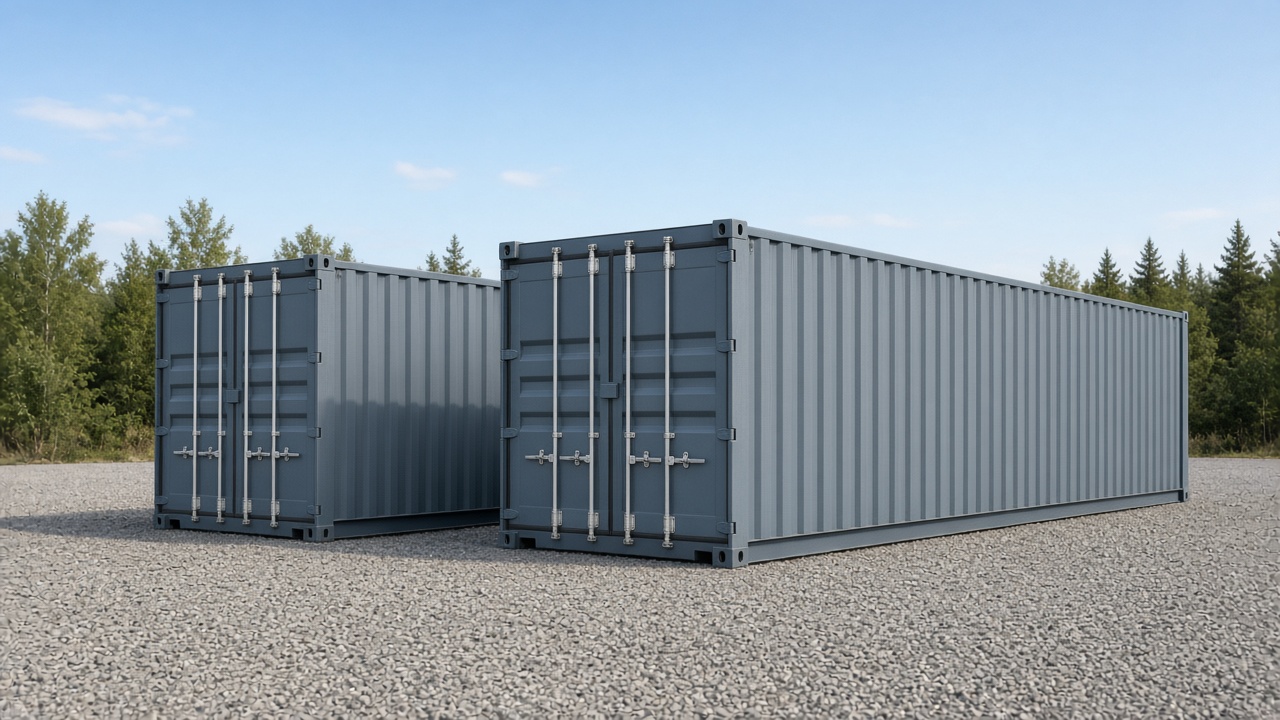


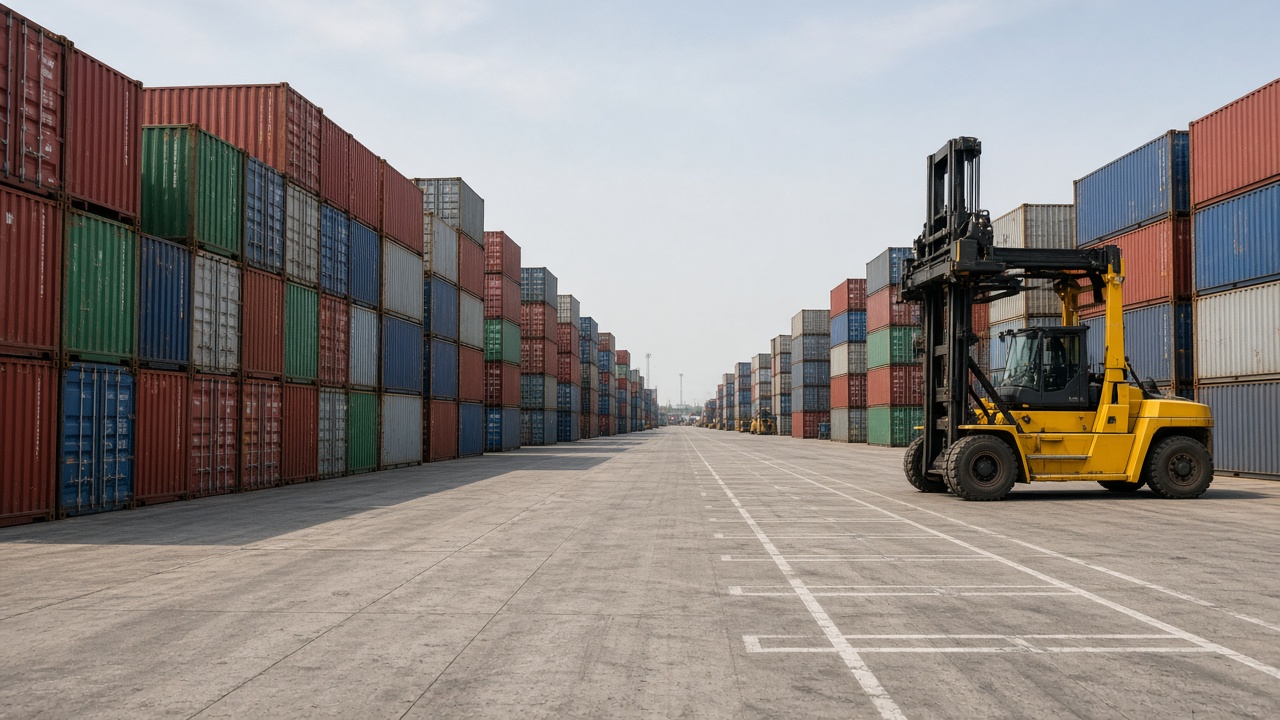
Monday, 07:40. A line ops email asks for ten 40HC empties “available now.” Your system shows twelve Available. The night shift left a bay list that almost matches. The reach-stacker driver says two of those “available” units are buried behind a damage hold nobody updated, and one never made it onto the map after Gate In. You still have to answer the line—and you still have to decide which number is real.
That gap is the inventory problem at an empty depot. Not a missing SKU. Not a barcode that failed at receiving. A trust problem between what the software claims, what the yard physically holds, and what each shift believes it can release.
This piece is for US empty-depot and mixed-yard operators who need container yard inventory management they can defend under line pressure—cycle counts, Available vs physical, multi-shift drift—without rewriting the whole yard-ops story. For positions, holds, and rehandle mechanics as a product category, see the pillar on container yard management software. Here the focus stays on inventory accuracy: one timeline where gate events, positions, holds, and availability stay the same truth.
Why depot “inventory” ≠ WMS SKU list
Warehouse inventory software assumes fungible stock: SKUs, bins, pick faces, cycle-count programmes designed for identical units. An empty-container yard does not work that way.
Every box is a named asset:
- ISO container number, size/type, owner or programme, last gate event
- Physical position (block / row / bay / tier—or your local schema)
- Operational status that is not the same as “in stock” (Available, On hold, Damage / pending inspection, In M&R, Released / staged, Gated out)
- Commercial clocks that start at Gate In (free days, storage, handling)—even when you are not talking about billing today
You cannot “pick any 40HC from aisle B.” The line cares which unit, which programme, which hold history. Truckers care which box is staged. Your desk cares whether Available in the system means “safe to promise” or “someone forgot to clear a hold.”
So container yard inventory management is not WMS inventory with metal boxes swapped in. It is continuous reconciliation of identity + location + releasability against every gate move and every exception. Freight TMS and generic warehouse WMS rarely own that spine; they optimize loads or SKUs. Empty depots (~200–5,000 TEU) need a depot / yard OS that treats each unit as a living record—not a quantity field.
If your team still explains inventory as “we keep a list,” you already know why Monday morning feels like archaeology.
Monday mismatch: system Available vs bay
The classic failure is a clean Available count that dies on contact with the stack.
System Available usually means some combination of:
- Status flag = Available (or equivalent)
- Not gated out
- Maybe filtered by size/type/programme
Bay reality usually means:
- Unit is (or isn’t) where the map says
- Neighbors block the pick
- A hold exists on paper, radio, or a sticky note—but not on the record
- A Gate In never got a location, so the unit is “in inventory” with nowhere to send the equipment
Those two worlds diverge for boring reasons:
- Night shift moved units to clear a lane and updated the radio, not the system.
- Day shift sold Available from the screen while a damage or customs hold was still live on the unit.
- Weekend Gate In batch created inventory rows without positions; Monday’s list looks healthy until the first pick.
- Dual lists—portal export cleaned for the line, yard sheet cleaned for the equipment—disagree by two or three units. Enough to wreck trust.
The mismatch is not always “theft” or “lost boxes.” More often it is stale state: Available that should have flipped when a hold landed, or physical presence that never synced after an internal move. Line queries expose it because the desk cannot answer from one screen.
A useful rule of thumb for operators: if you cannot walk from unit ID → last move → position → hold reason → Available yes/no in one place, you do not have inventory truth—you have competing summaries.
Soft check: pull ten “Available” units from today’s filter and verify position + hold on the ground. If more than a couple fail, the problem is the timeline, not the forklift. See how gate, yard, and status share one record on containerhub.ai.
Gate In/Out + holds silently break counts
Inventory at a depot is an event stream, not a nightly snapshot. Gate and holds are where quiet breakage happens.
Gate In that creates a unit without a place
Gate In correctly puts the container into inventory. If location is optional and skipped under queue pressure, you get:
- Accurate count of units on site
- Useless pick list (equipment still asks “where?”)
- Available that looks fine to a clerk and false to a driver
Batch Gate In for peak empty returns is healthy—when the same flow can attach or quickly confirm positions. A batch that only creates ghost inventory accelerates Monday mismatch.
Gate Out that never closes the record
A truck leaves with a unit; the system still shows Available or In yard. Causes are familiar: paper EIR filed later, radio “already out,” release closed in one tool and inventory updated in another. Your count climbs above physical stock. Cycle counts then “find” shortages that were really incomplete outs.
Holds that never touch Available
Damage, unpaid storage, wait-for-line, programme block, customs—any hold that lives in chat or a side sheet while the inventory flag stays Available will stage the wrong empty. The count was never wrong on paper; releasability was wrong. That is still an inventory failure from the line’s point of view.
Gate capture only protects inventory when Gate In/Out, location updates, and hold changes write to the same unit timeline. Isolated gate apps that dump CSV into a yard sheet recreate the silent break every shift. For lane capture and digital EIR as the spine that feeds inventory, see gate management software for depots—supporting context here, not a second primary topic.
Cycle counts / exceptions / ownership
Cycle counts at an empty depot are not retail shelf audits. You are confirming named units against positions and status—not counting identical cartons.
What a useful cycle count checks
- Unit ID present in the bay matches the system location
- Status on the unit matches what ops would sell or stage today
- Holds visible on the record match physical tags / known blocks
- Exceptions logged with who corrects and when—not a silent overwrite
Sampling by bay or by programme beats heroic full-yard recounts that nobody finishes. After each count, the question is not “did we get a number?” It is “which events were missing?” Missing Gate Out, unrecorded rehandle, hold never entered—those are process fixes, not spreadsheet formulas.
Exception ownership
Unowned exceptions rot. Define:
- Gate owns incomplete In/Out corrections same shift when possible
- Yard owns position drift and internal moves
- Supervisor / ops lead owns Available vs hold disputes before the line is told a number
- No anonymous edits—inventory corrections need an actor and a reason
Multi-shift drift is mostly ownership drift. Night finds a mismatch, leaves a note; day sells Available from the screen; afternoon digs the wrong stack. A cycle-count programme without named correction ownership becomes theatre.
What not to confuse with inventory truth
Stacking preference sheets, “hot list” WhatsApp threads, and cleaned line exports are views. They help communication. They do not replace the unit record. If your count process updates three places, you just scheduled the next mismatch.
What yard inventory software must show
Ignore brochure maps for a moment. For inventory trust, the operator screen (and the line-facing view that reads it) must expose, per unit:
| Must show | Why it matters |
|---|---|
| Unit ID (ISO number) + size/type | Named asset, not a quantity |
| Position (your schema) | Pick and cycle-count anchor |
| Status (Available / hold / repair / staged / out) | Releasability, not just presence |
| Last move (Gate In, internal, Gate Out) + timestamp | Audit when “it was never there” |
| Hold reason (if any) + who can release | Stops false Available |
| Programme / client context | Multi-line empty programmes |
| One timeline | Gate, position, hold, availability—not four exports |
Nice-to-haves that still serve inventory (without turning this into a stacking essay): batch updates after peak returns, filters that exclude blocked units from Available, portal visibility that reads the same status the yard uses.
What to reject as “inventory software”:
- A WMS SKU quantity module bolted onto containers
- A freight TMS that tracks loads but not yard positions and holds
- A map that looks live while Available ignores hold state
- Nightly reconciliation as the primary design (reconciliation is a safety net; events should keep truth current)
ContainerHub’s framing for empty-depot operators is exactly this spine: gate events, positions, holds, and availability on one record so the desk and the bay argue less. Deeper empty-programme context lives on empty container depot software; this post stays on inventory accuracy.
Spreadsheet dual-system failure modes
Spreadsheets are fine as working files. They fail as dual systems of record—especially when one sheet is “ops truth” and another is “what we tell the line.”
Failure mode 1: Two Available columns
Yard sheet says 48. Customer export says 52 after someone removes holds “for the email.” Both teams believe they are helping. The line books against the higher number. The bay cannot deliver.
Failure mode 2: Concurrent edits without a spine
Gate clerk updates In/Out. Yard clerk updates locations. Billing clerk freezes a Friday export. Nobody has last-write-wins discipline that matches physical time. Peak Monday empties make this visible fast.
Failure mode 3: Holds in chat, counts in cells
Available stays green because the hold never had a column—or the column is free text nobody filters on. Cycle counts “pass” because the unit is physically there. Dispatch still stages a blocked box.
Failure mode 4: Stacking sheets mistaken for inventory control
A row/tier preference list helps equipment. It does not timestamp Gate Out, enforce holds, or bind photos to a move. Treating the stacking sheet as inventory trust is how rehandles and wrong promises coexist with a “neat” layout. (Stacking rules belong in yard ops design—not as a substitute for inventory events.)
Failure mode 5: Nightly copy as the integration strategy
CSV from gate tool → paste into yard workbook → clean → email to line. Every handoff is a chance to drop a unit or revive a gated-out number. Dual systems do not fail loudly; they fail as small permanent drift. Longer take on when spreadsheets stop being an ops system: ContainerHub vs Excel. The short version for inventory: one live unit timeline beats two tidy workbooks.
Yard inventory in ContainerHub
If your empty depot still rebuilds trust every Monday—system Available vs bay, holds that never touch the count, cycle counts with no owner—the fix is not a bigger spreadsheet. It is container yard inventory management on a single operational timeline: Gate In/Out, positions, holds, and availability as one story per unit.
ContainerHub is a depot / yard OS for physical empty-container operations roughly in the 200–5,000 TEU range—not freight TMS, not WMS SKU software, not a marine TOS pitch. Soft next step only: review the product, book a demo if useful, or compare pricing. No directory “claim your depot” ask.
Walk one busy empty window in a demo with your status labels and hold reasons. Ask whether Available ever stays sellable while a hold is active, and whether Gate Out clears inventory the same minute the truck leaves. If those answers are clear, inventory meetings get shorter.
Visit ContainerHub · Pricing · Demo
Related reading: Container yard management software · Empty container depot software · Gate management software for depots · vs Excel · Container depot management software