

Gate pass with QR
The gate pass is a unique appointment link (with a QR code) used to identify appointments at the gate quickly and consistently. It complements gate appointments and email notifications.
Flow overview
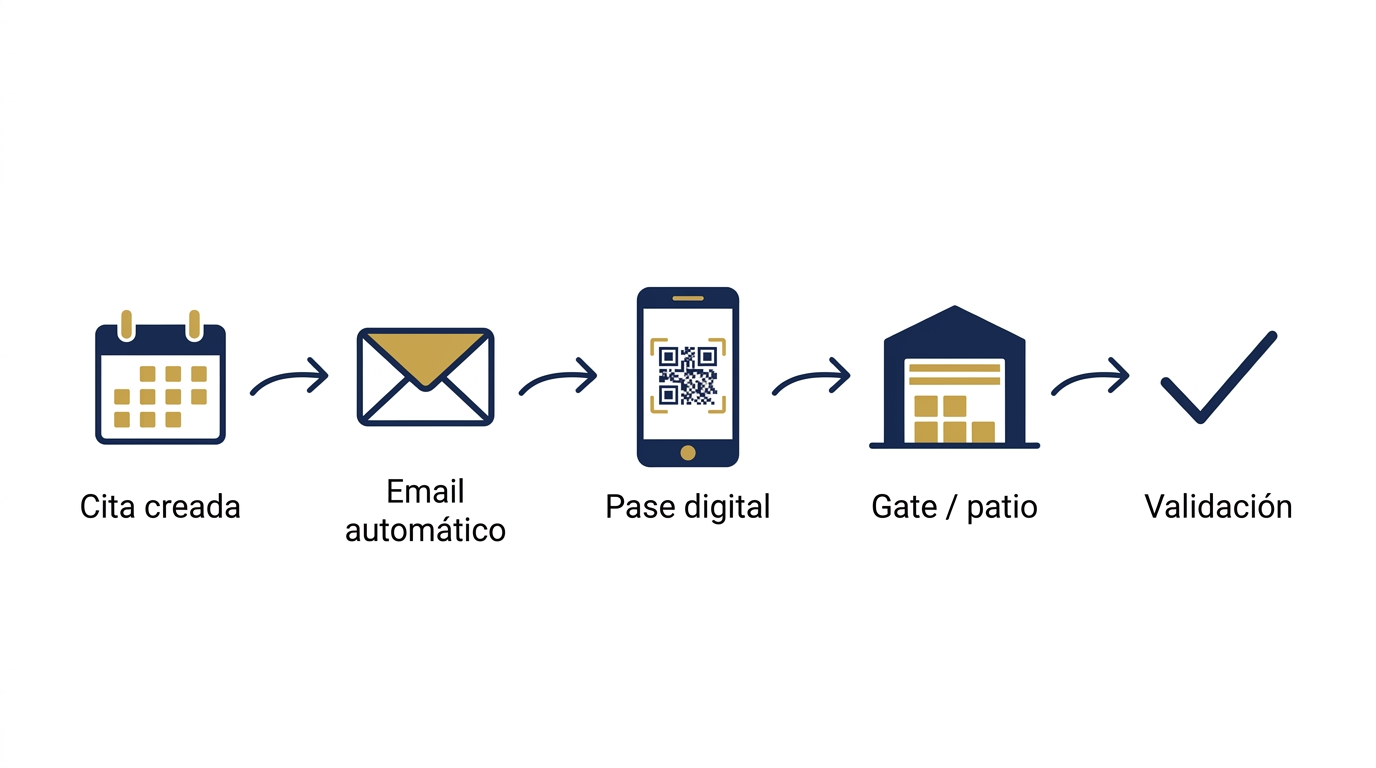
- An appointment is created (from the dashboard or the depot’s public booking page).
- The system may send an appointment confirmed email to the client with a link to the pass and its QR image.
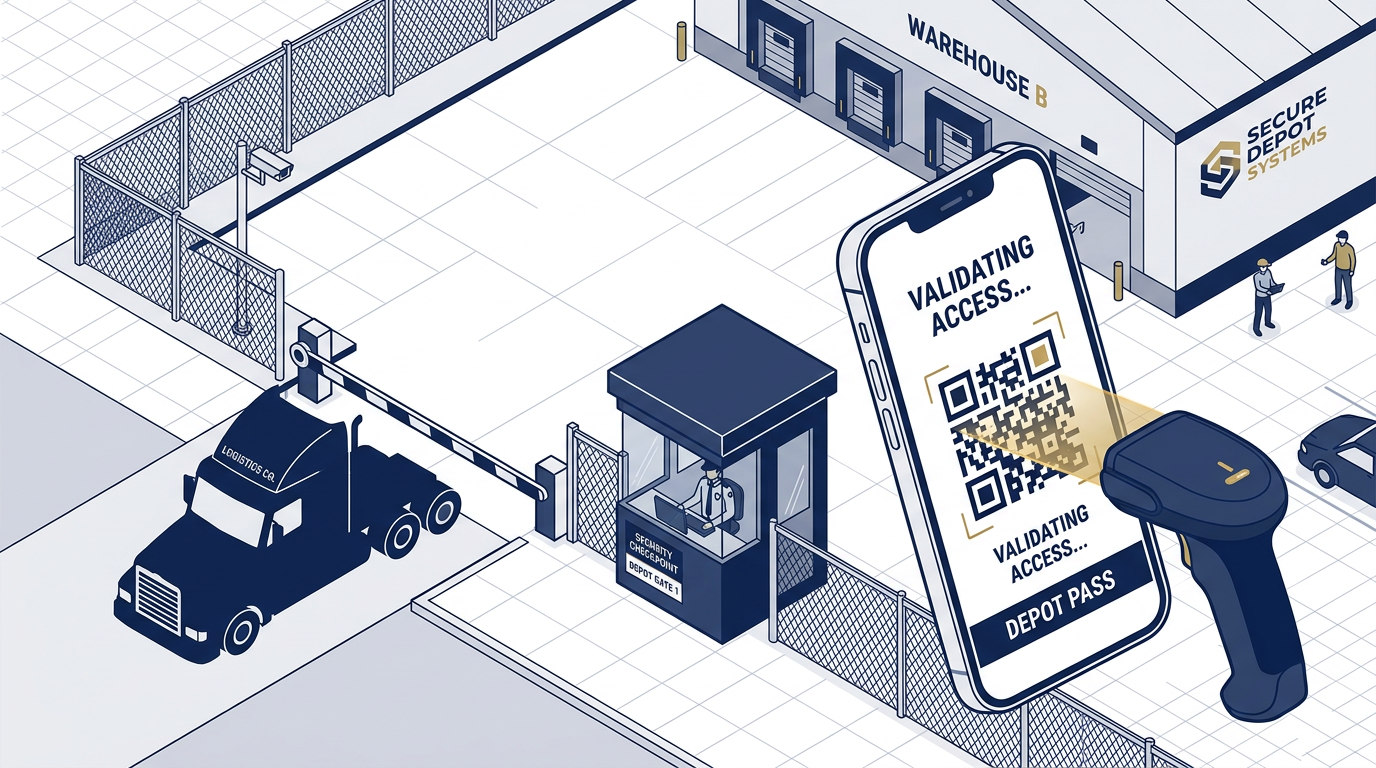
- At the gate, staff can show the QR from the driver’s phone or from the appointment detail in ContainerHub and verify containers, window, and plate.
What the pass shows
On the public pass page, depending on status, you’ll see:
- Depot name
- Client and date/time (company timezone)
- Container numbers and plate (when stored on the appointment)
The QR opens the pass page in the browser.
Pass URL
Format:
https://<your-domain>/p/gate-pass/<unique-code>
- It is a unique link for each appointment.
- Share it only with people involved in the move.
Visibility and privacy
Operational details are shown only while the appointment is in an active status (for example scheduled, confirmed, arrived, or in progress).
When the appointment is completed, cancelled, or otherwise closed, users see a generic “pass not available” message instead of operational data.
Email when the appointment is created
When an appointment is created (internal or public booking), if notifications are enabled and a valid email exists, ContainerHub can send an email containing:
- A “View gate pass” link
- A QR image to open the same pass
If email sending is unavailable due to configuration or a temporary issue, the QR remains available on the appointment page in the dashboard.
QR on the dashboard
At /dashboard/depot/appointments/<id>, the “Gate pass (QR)” section shows:
- The full URL (copy or open in a new tab)
- The server-rendered QR for that URL
So yard staff can validate appointments even if the driver did not open the email.
Gate Out email vs. gate pass
The appointment QR pass and the Gate Out client email are different:
- Pass / QR: identifies the appointment and agreed pickup details.
- Gate Out: when container exit is recorded, another email may confirm the completed move.
See Gate In / Gate Out for the full movement flow.
Related links
Ready to digitize your depot? Start free →